Krea 2: Krea AI releases Raw and Turbo image-generation weights
Krea AI released Krea 2 Raw and Krea 2 Turbo as open weights. The technical report describes Krea 2 as a 12B text-to-image diffusion model trained from scratch and details data filtering, captioning, post-training, reinforcement learning, and safety-license boundaries.
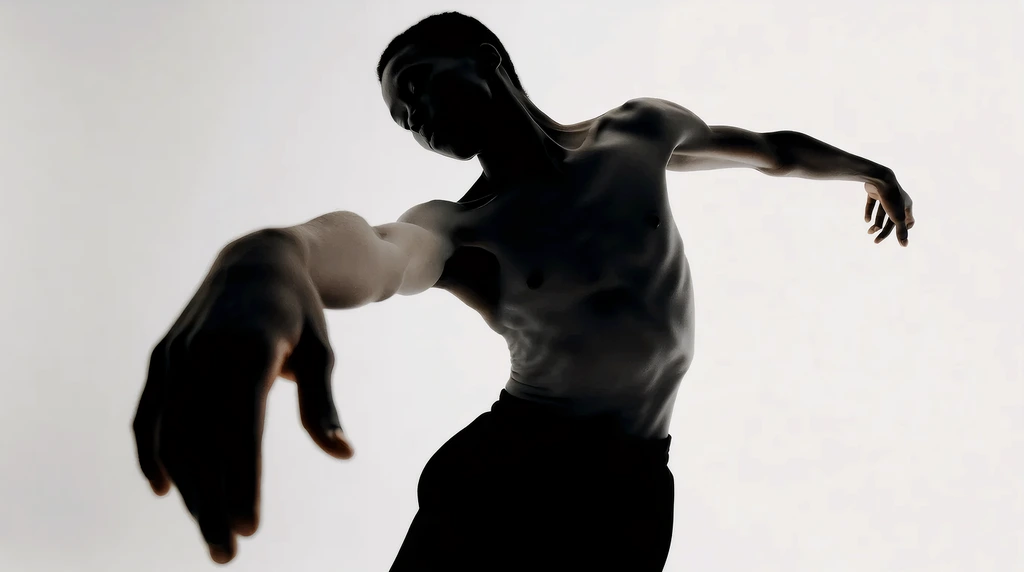
Model News / Krea AI
Krea AI introduced Krea 2 in June 2026 and later released Raw and Turbo as two open-weight checkpoints. The official technical report describes it as a 12B text-to-image diffusion model trained from scratch, with components that include a multimodal language model, a Diffusion Transformer, and an image autoencoder. Krea also published a release page, technical report, GitHub repository, Hugging Face model card, and license text.
This release puts Krea's long-running focus on "aesthetics" into an open-weight context. The official material does not frame Krea 2 as only a photorealism or leaderboard model. It is presented around style exploration, product concepts, people and scenes, material texture, and creative workflows. Raw is aimed at training and research, while Turbo is aimed at fast inference; the repository and model cards keep those use paths separate.
From release page to model card
Krea 2's public material is split across several layers. The product release page shows samples and creative-tool use cases. The open-source release page explains that Raw and Turbo weights are available. The GitHub repository provides inference code. The Hugging Face model card records model type, architecture, license, training data, safety measures, and output responsibility. The technical report was published on June 23, 2026, and the page labels it as a 58-minute read.
Krea calls Krea 2 an open-weight text-to-image foundation model for creative exploration. The model card lists the release format as open weights plus integration with Krea-hosted products. It says the training data includes publicly available data, third-party licensed data, and synthetic data generated through proprietary methods. The model card also says harmful content is filtered before training and that low-quality, duplicate, or irrelevant data is reduced.
The technical report gives more detail on the data pipeline. Krea says its pretraining data does not use AI-generated images, and that internal classifiers filter noise, over-editing, logos, watermarks, NSFW content, memes, and screenshots. The captioning pipeline combines OCR, metadata, and multimodal understanding to create fuller image descriptions. Training also mixes in shorter user-style prompts so the model sees both long captions and real creative prompts.
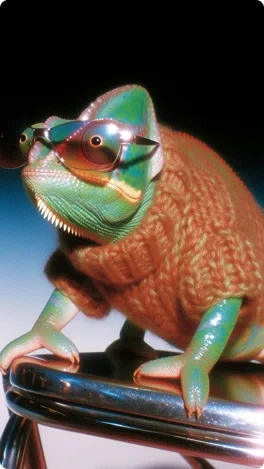
Training moves from low to high resolution
Krea 2 uses a Diffusion Transformer as its image-generation backbone. The technical report says pretraining moves from 256px to 512px and then to 1024px. The final model uses rectified-flow loss and v-parameterization. The report also says the team used iREPA during early low-resolution training to speed convergence, then removed it so the MMDiT could learn its own representations.
The training process then moves through midtraining, supervised fine-tuning, preference optimization, and reinforcement learning. Midtraining adapts the model to a distribution closer to downstream tasks before supervised fine-tuning. The supervised fine-tuning stage uses a smaller, specifically filtered set of high-aesthetic images to improve overall checkpoint quality and address high saturation and texture issues in early checkpoints.
Preference optimization is split into two steps: first a large synthetic preference-pair pass, then calibration with internal human labels. The reinforcement learning stage uses a GRPO-like multi-reward method, with reward models for overall aesthetics, prompt following, text rendering, structure, and artifacts. The report also says Krea trained a dedicated artifact reward model to reduce structural errors such as extra fingers, distorted limbs, and warped text.
The prompt expander is part of the release
The technical report spends substantial space on the prompt expander. Krea's view is that dense prompts often produce better images, while user prompts are often short, conversational, and underspecified. Image models are better served by detailed descriptions closer to the training-caption distribution. Krea therefore designs the prompt expander as a mapper from a short prompt to a longer caption that is friendlier to the image model.
The expander is first supervised-fine-tuned from an open language model. Its training data comes from synthetic pairs that map long captions to short user prompts, then learns the reverse direction: expanding short prompts into model-friendly descriptions. Krea then uses reinforcement learning to optimize the expander's impact on final image quality, while adding prompt-faithfulness, safety, and constraint checks. The report also mentions using a DINOv3 embedding diversity score to prevent outputs from collapsing into a single style.
Raw is for training, Turbo is for inference
Raw and Turbo are the two names most likely to be mixed together. The open-source repository's README separates them clearly: Raw is the undistilled base model, better suited to LoRA training, post-training, and research; Turbo is the distilled fast-inference version for everyday text-to-image generation. The official examples follow the same logic: train LoRAs on Raw and generate directly with Turbo.
This difference is about more than speed. Raw preserves more of the training space for researchers who want to continue shaping the model. Turbo has gone through post-training, fine-tuning, and distillation, making it better suited to fast visual direction checks. Both are open-weight releases, but Raw should not be treated as the normal generation entry point, and Turbo should not be described as the training base.
The Hugging Face Turbo model card also groups the model family, release format, training-data sources, safety limits, and license requirements. It reminds deployers that filtering or review is required and that users remain responsible for outputs. Open weights lower the barrier for research and deployment; they do not remove copyright, likeness, illegal-content, or platform-rule boundaries.
| Checkpoint | Official role | Best fit | Boundary |
|---|---|---|---|
| Krea 2 Raw | Undistilled base checkpoint | LoRA training, post-training, research experiments, and style adaptation. | It preserves training space; it is not the everyday fast-generation entry point. |
| Krea 2 Turbo | 8-step distilled checkpoint | Fast text-to-image generation, visual direction checks, and creative iteration. | It is the inference path; it should not be described as the base checkpoint for further training. |
It behaves more like a visual direction generator
Krea's release-page samples focus on people and scenes, concept products, fashion textures, interior mood, cinematic lighting, and editorial illustration. The model is not mainly presented as a poster-text or logo-reconstruction system. It tries to handle subject, material, light, composition, and style source in the same image.
That makes Krea 2 closer to the front end of a creative workflow: turning an abstract style target into several images that can be compared. Brand moodboards, product concepts, campaign visuals, cover directions, character setups, and spatial atmospheres are all recurring scenarios in the public samples. When the task requires strict layout, readable long text, packaging copy, or brand marks, specialized text and layout-control ability still matters.
Leaderboards are only one lens
Krea also references third-party evaluations and model preference leaderboards, but those can only answer part of the question. Text-to-image preference evaluations usually compare prompts, output images, and human preference inside one process. They are useful for reading broad visual appeal, but they cannot replace task-specific judgment. Text rendering, Chinese titles, logos, complex layout, consistent characters, and commercial delivery rules all need separate review.
Krea 2 puts open weights and the hosted product into the same model family. Raw keeps training space open, while Turbo provides a more direct inference path. That arrangement gives researchers, developers, and creators one shared set of model materials instead of a split between a research checkpoint and a product model.
The practical comparison is therefore not simply "which model wins." Krea 2 Turbo is easier to read as a fast visual-direction model; Raw is the continuation-training route; heavier DiT systems remain relevant when a workflow can afford slower inference for a single polished result. The article keeps those tasks separate so the release is not flattened into one generic "image model" label.
The boundary left by the public material
This release has several cross-checkable sources: the release page shows the visual target, the open-source page explains weight availability, the technical report explains the training process, the GitHub repository provides an inference entry point, and the Hugging Face model card lists weights, data sources, risks, and license requirements. Each source has a different role, so Krea 2 should not be summarized from only one of them.
For creators, Krea 2 brings open-weight models back into the discussion of aesthetics and product feel. For developers, the parallel Raw and Turbo release provides two different routes: continue training or run inference directly. For deployers, the safety, filtering, and license requirements in the model card remain boundaries that must be handled before launch.